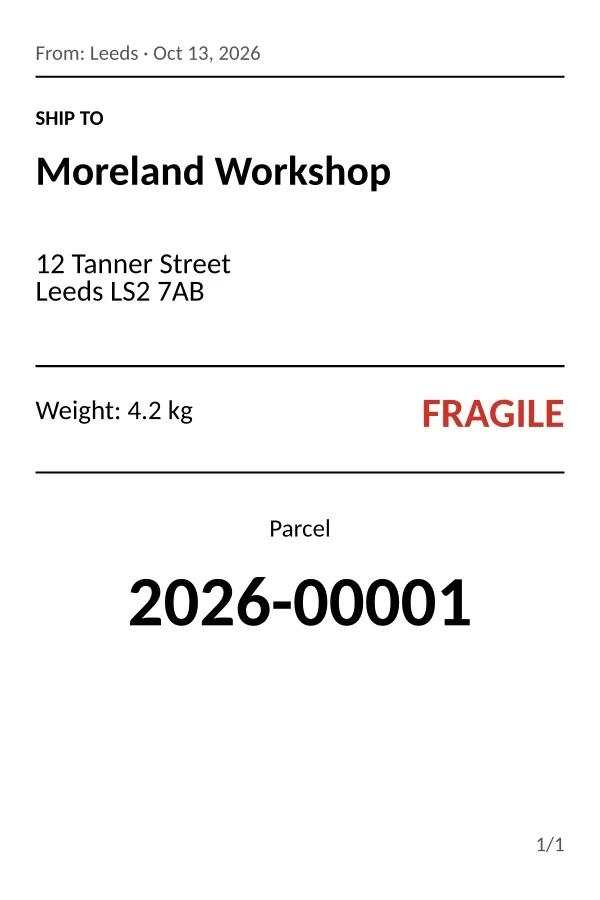
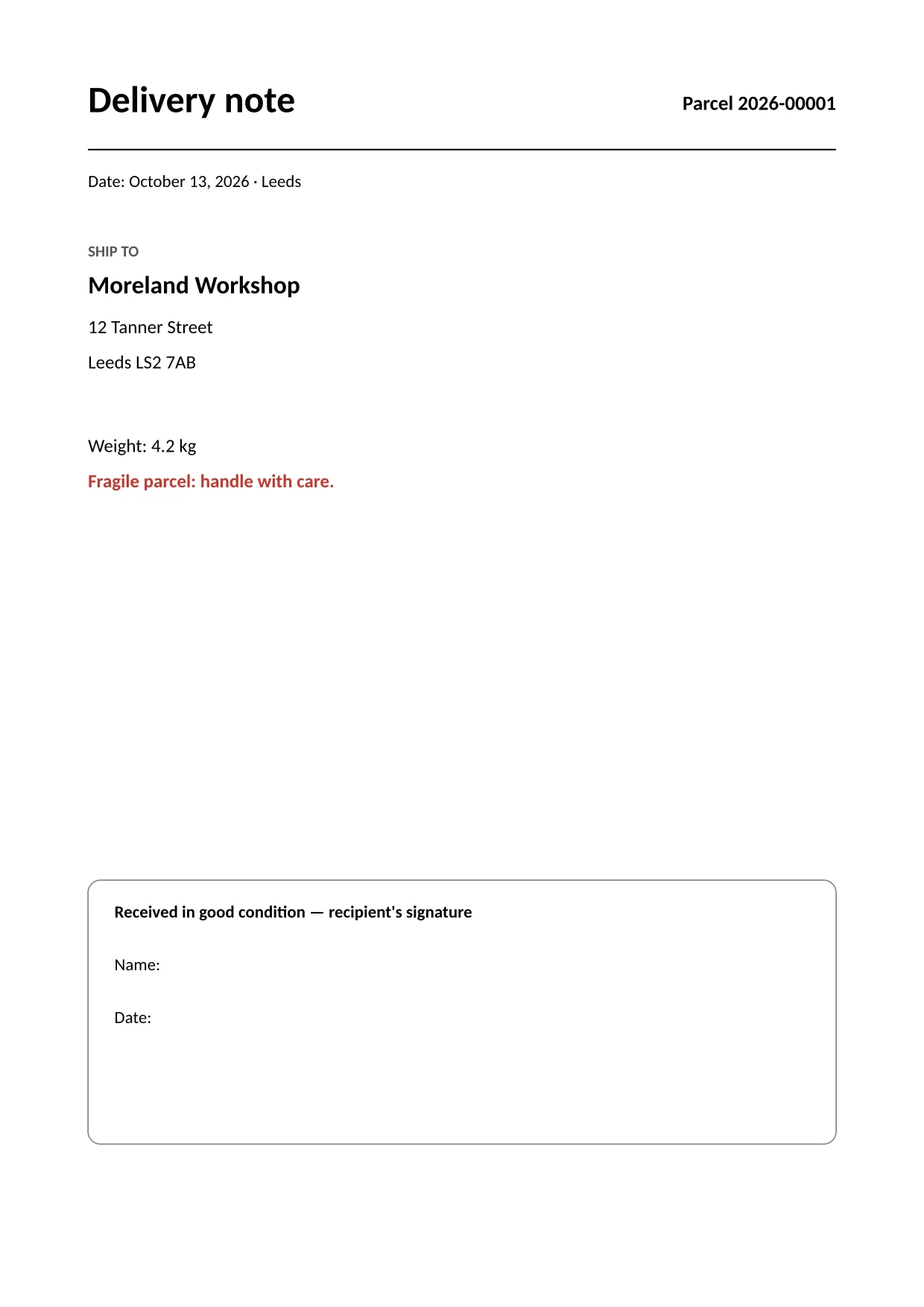
Parcel label and delivery note
A single copy produces the 4 × 6 in label and the A4 delivery note to sign, with the same parcel number. The “Fragile” notice comes from a Yes/No field.
ceelab produces labels and PDF documents from editable templates, for the document types you define: product label, parcel label, certificate…
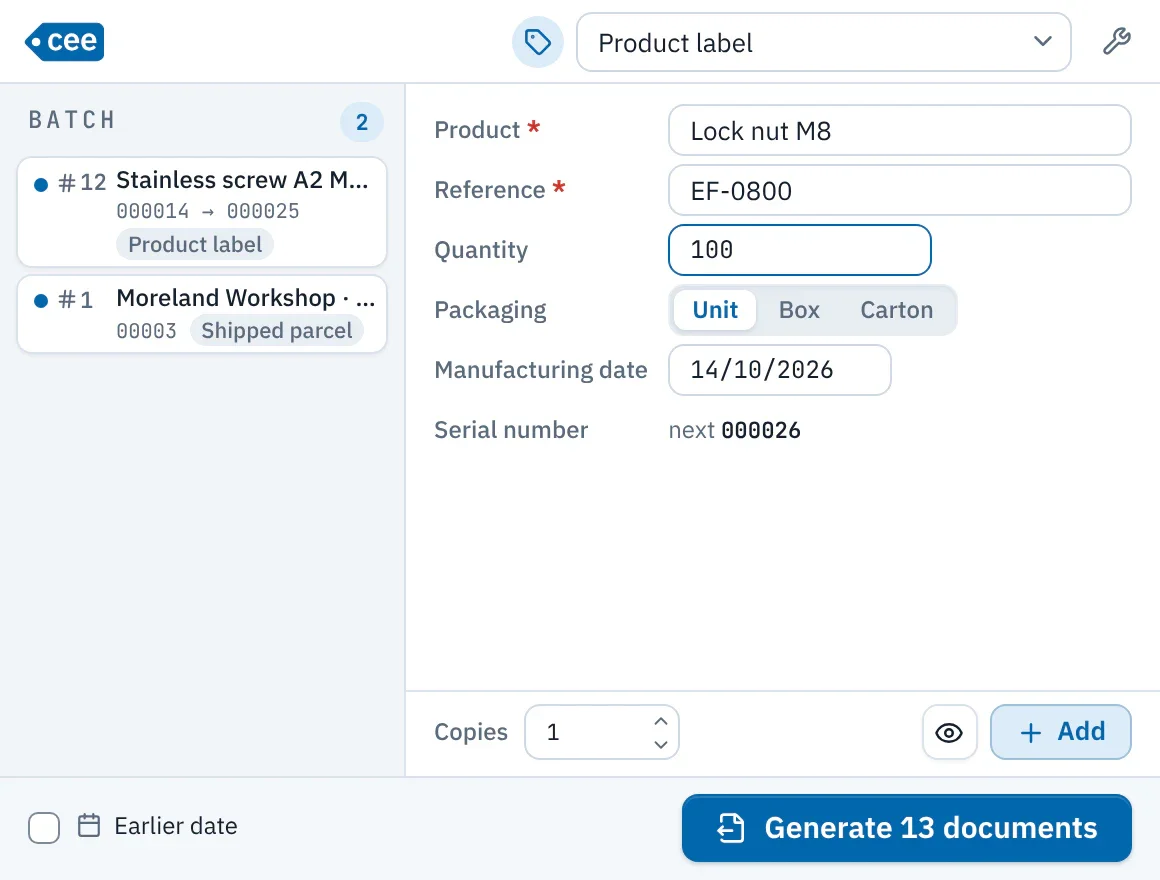
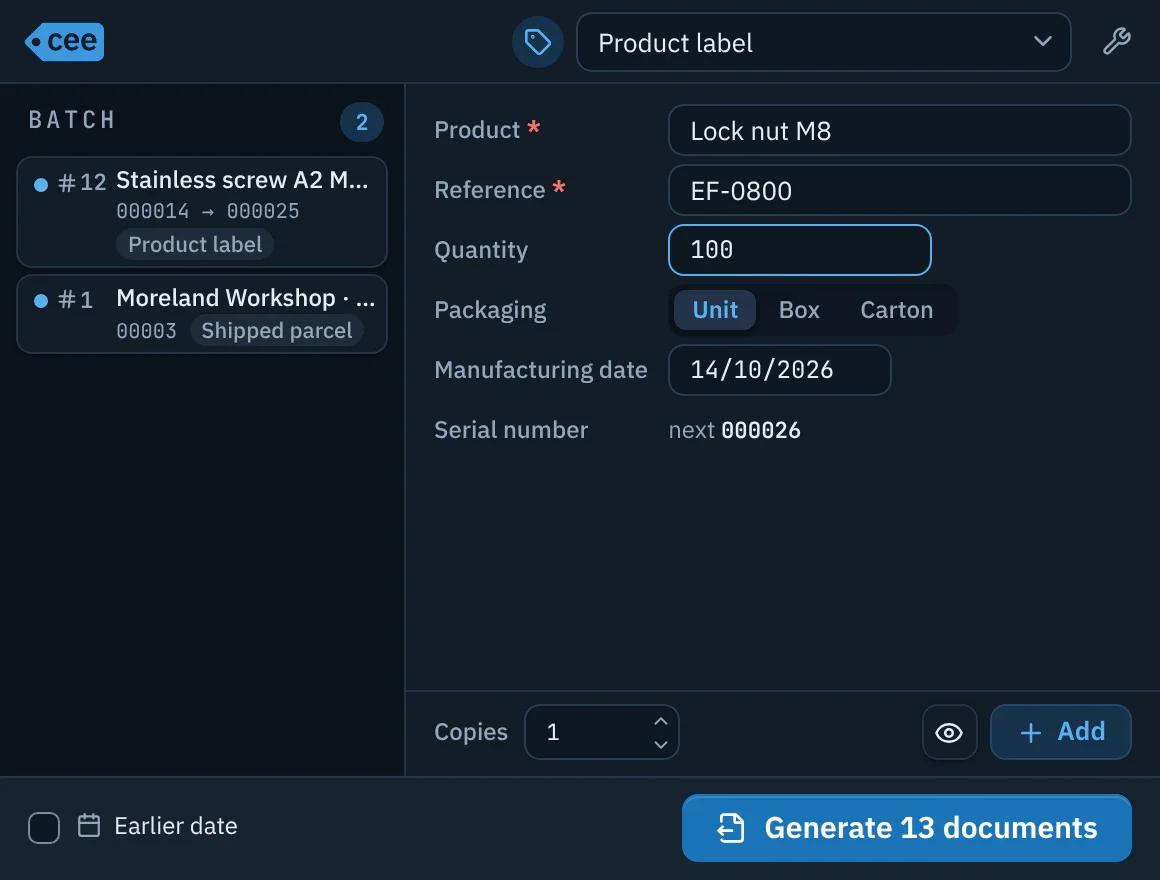
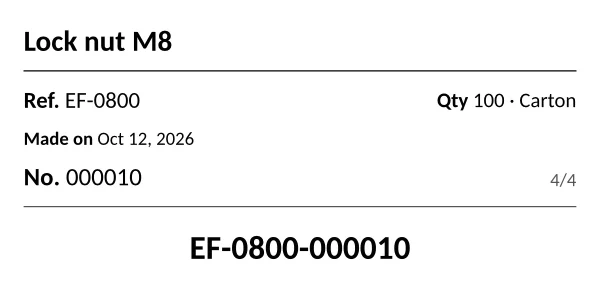
You describe your documents once; day to day, the operator only has to enter values and generate.
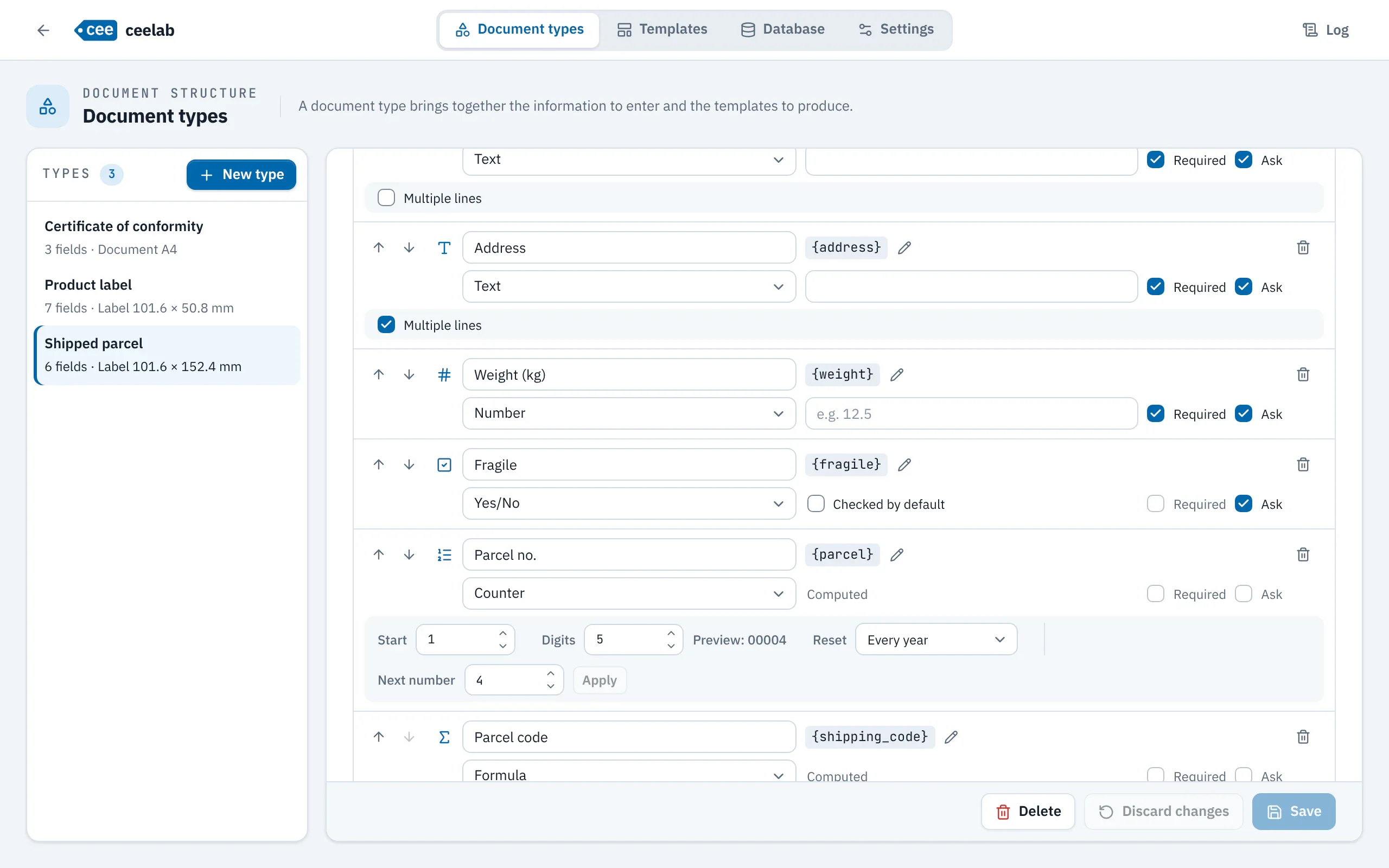
A document type brings together the information to enter, its fields: text, number, date, choice list, Yes/No, counter, combined, formula. It also brings together the templates to produce.
In the lab, the visual editor places text, images, shapes, lines and CE and ATEX markings, on a label of any size you choose or on an A4 page.
Each copy produces all the outputs of its type, with the same values and the same number: the label goes to the label printer, the PDF document is saved.
The small everyday window, designed for a production workstation: choose the type, enter the values, add to the batch, generate. A barcode scanner that ends with Enter chains entries one after another.
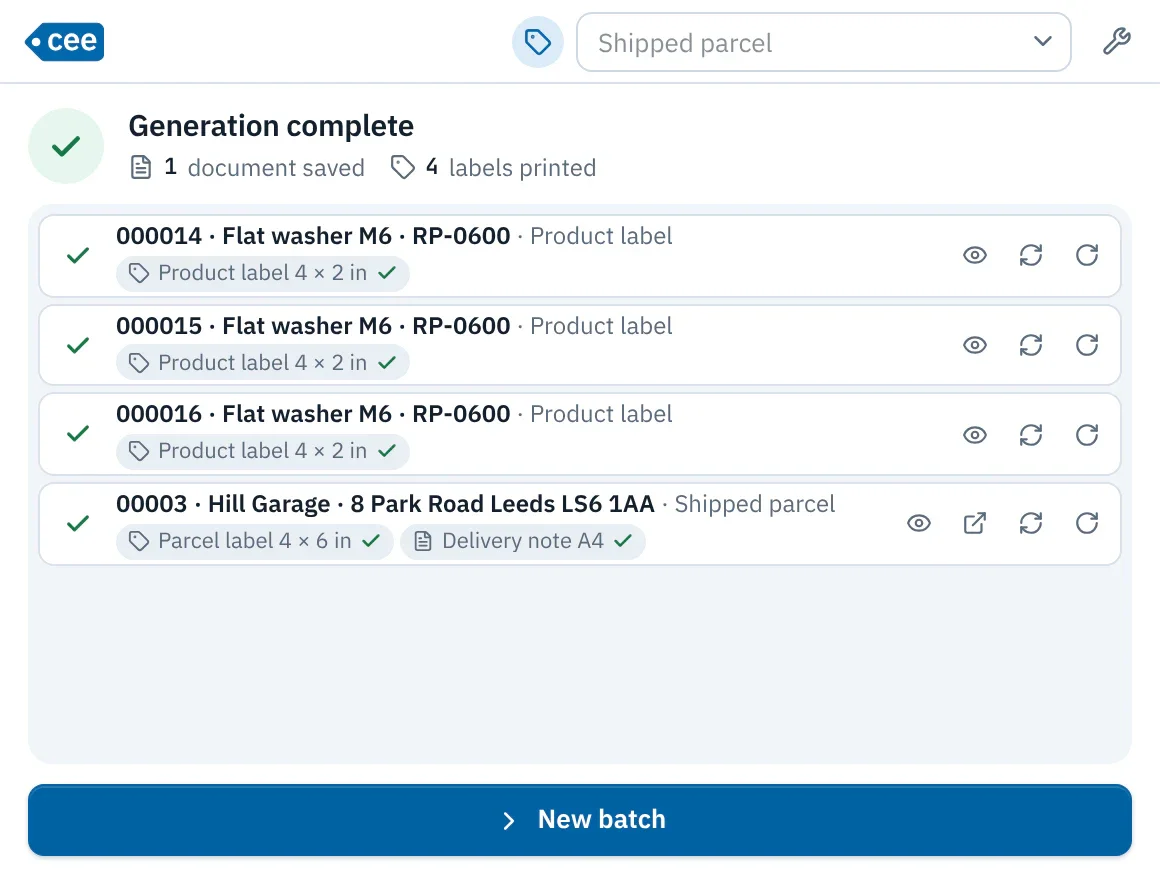
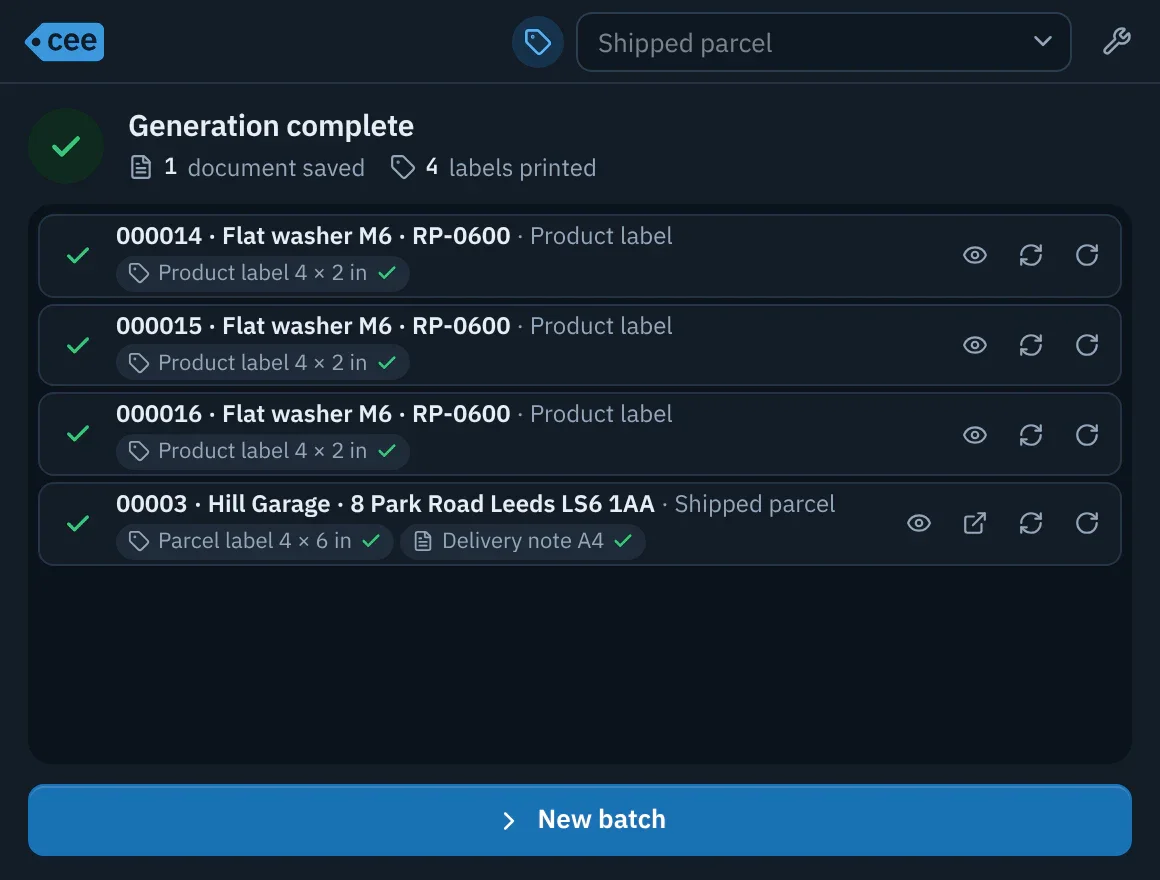
The lab: document types, templates, database and settings, behind a password. Ctrl+G (Cmd+G on macOS) switches from one window to the other.
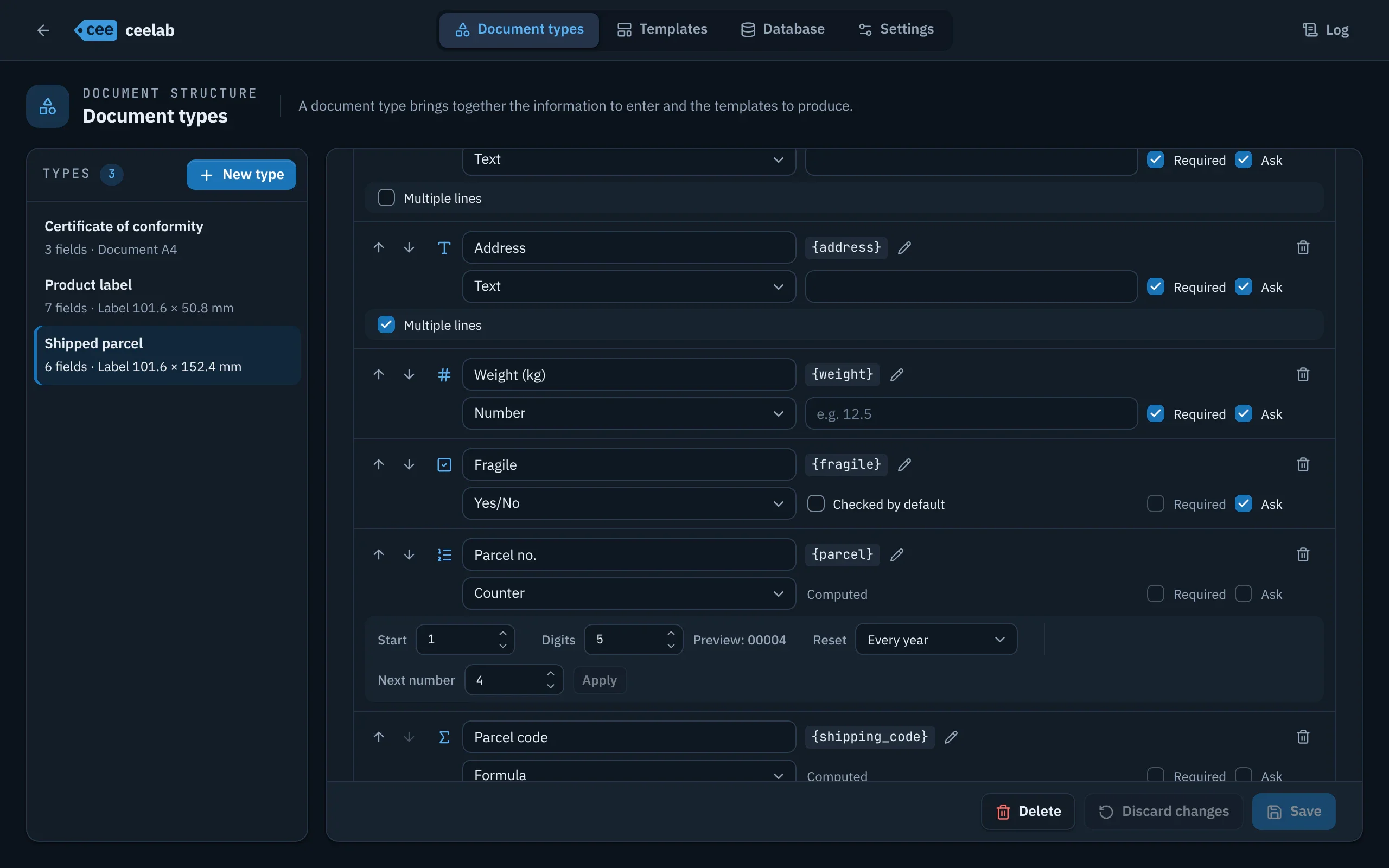
These documents were produced by ceelab, with its own rendering engine. The “Product label” type ships with the application; the other two were created for this page.
A single copy produces the 4 × 6 in label and the A4 delivery note to sign, with the same parcel number. The “Fragile” notice comes from a Yes/No field.
The sample type installed on first launch: 6-digit serial number and a traceability code combined as {reference}-{serial}.
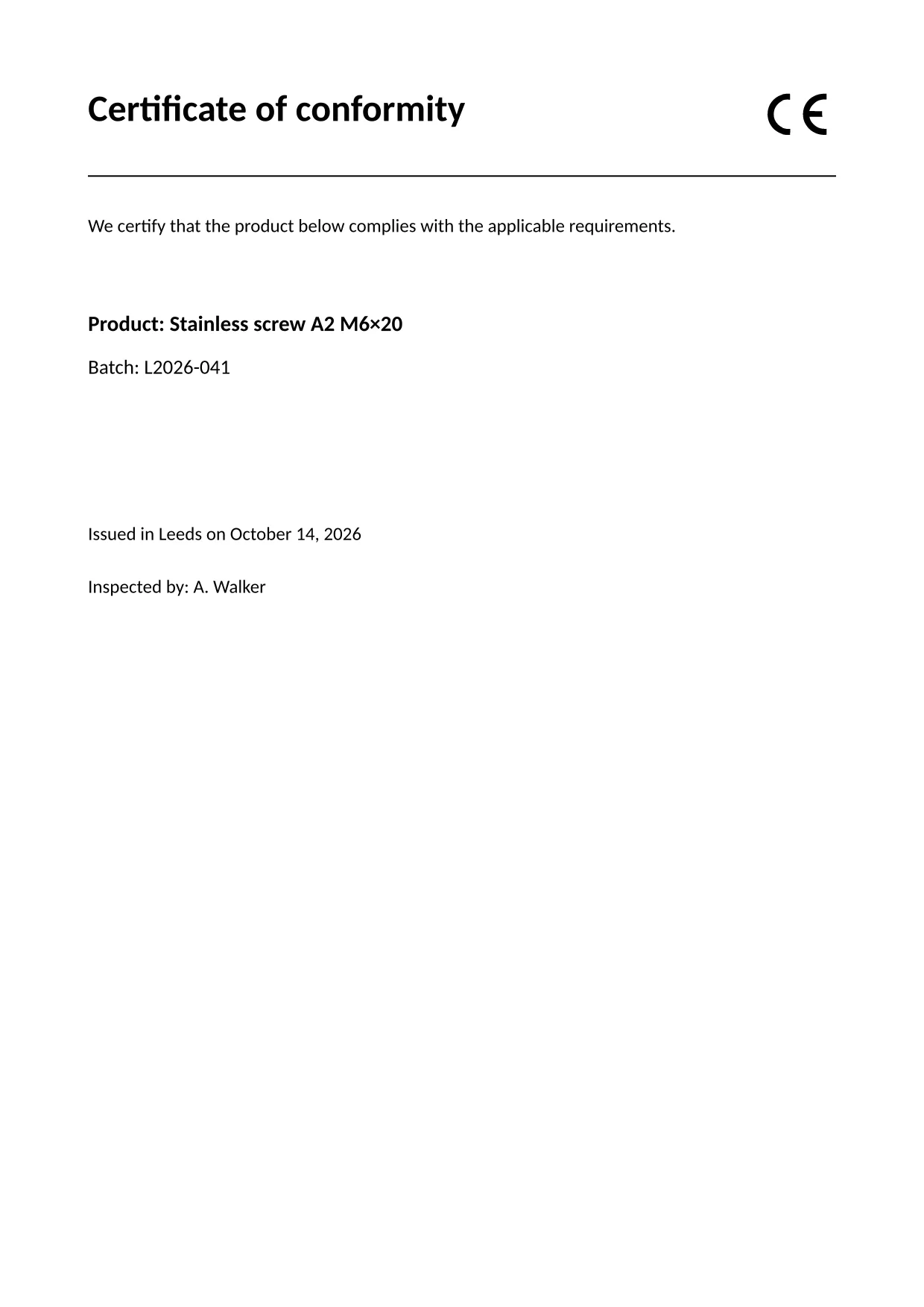
One A4 PDF document per copy, with the CE marking from the template editor.
Reset never, every year, every month or every day. The numbers of a batch are reserved in one block and are contiguous: no number is used up without a trace.
Every generation is recorded by batch, including frozen values and the exact layout. Regenerate identically, even after the template has changed.
{reference}-{pad(serial, 4)}, if … then … else conditions, formatted dates: the editor highlights, completes and checks every expression before saving.
A Word or LibreOffice document becomes a template; its brackets become fields of the type in one step. Templates are exchanged as .ceet files.
Excel export of the filtered history; import and export of the database tables, with reference checks and a single transaction.
A ZIP archive holds the database and the settings; restoring replaces everything at once, with automatic rollback if it fails.
A badge only appears when there is a real problem (missing printer, type without a template…) and leads to the right setting.
Interface in French, English, German, Portuguese and Spanish. The language of the documents produced is set per type.
The cee command is installed with the application. It generates and prints from a terminal or a script, on the same database, with the same counters and the same safeguards as the Generation window.
# document types and their variables
$ cee types
# generates and prints
$ cee print shipping-label --set name="Jane Doe"
# latest documents
$ cee history
# corrects the latest document and reprints it
$ cee edit --last --set name="John Doe"The installers are not available for download yet.