Everything ceelab does
Version described: ceelab 0.3.3. Every screenshot comes from the application itself.
Generation
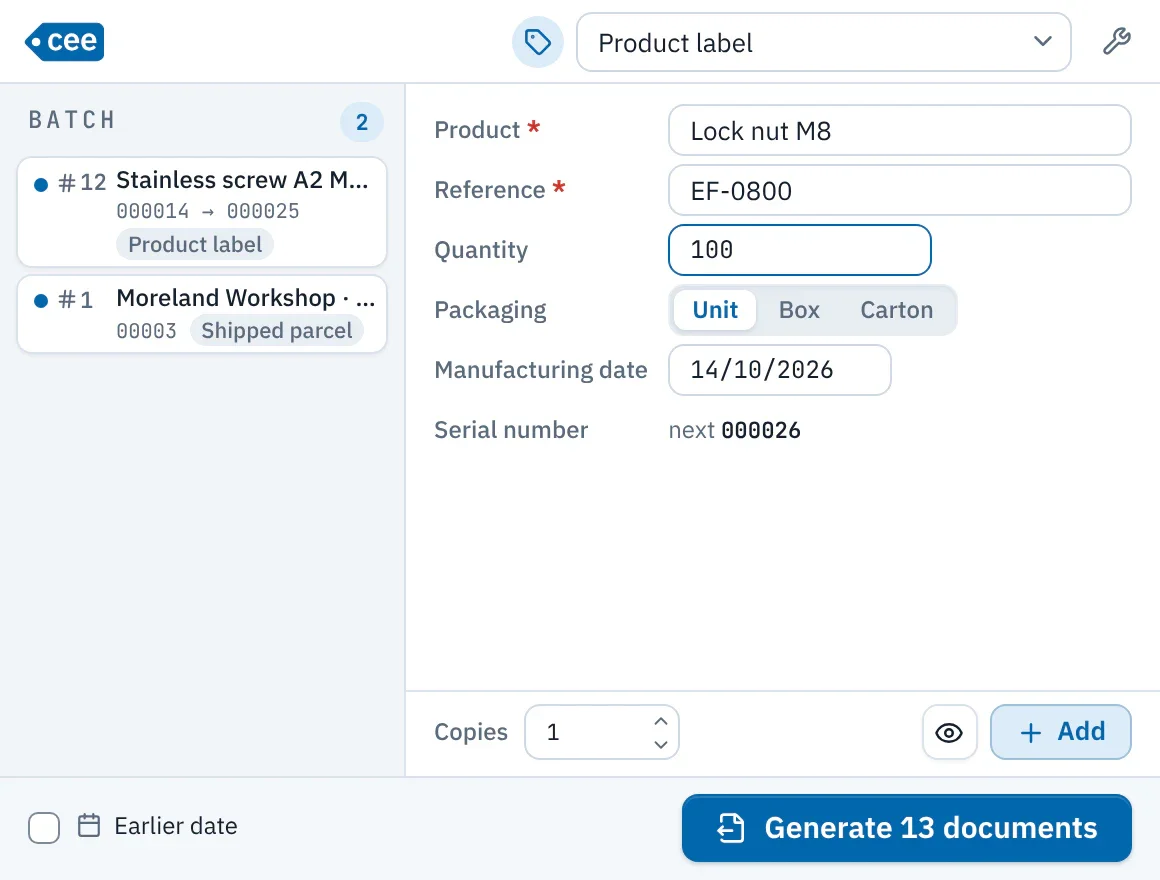
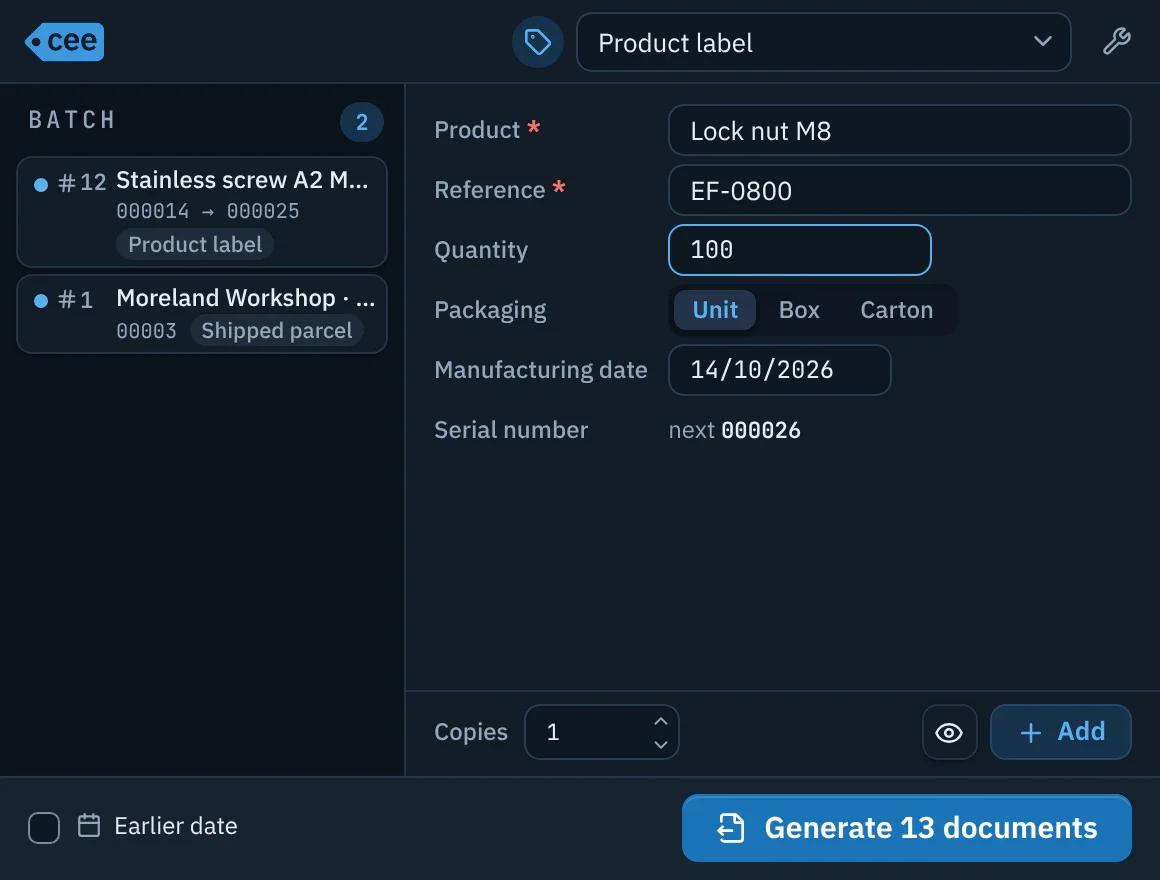
- Filterable list of all document types; the last one chosen is remembered on the computer.
- One line per field asked of the operator; errors appear under the field, and a counter shows its next number.
- Lines build up in the batch, which can mix several types; preview without using anything up.
- Earlier date: the documents, the PDF metadata and the counter period follow the chosen date.
- The button tells you what will come out: “Print 12 labels”, “Generate 12 documents”.
- Keyboard: Enter moves to the next field and adds the line on the last one; Ctrl+Enter generates; Ctrl+N clears the batch.
End of generation and first-label check
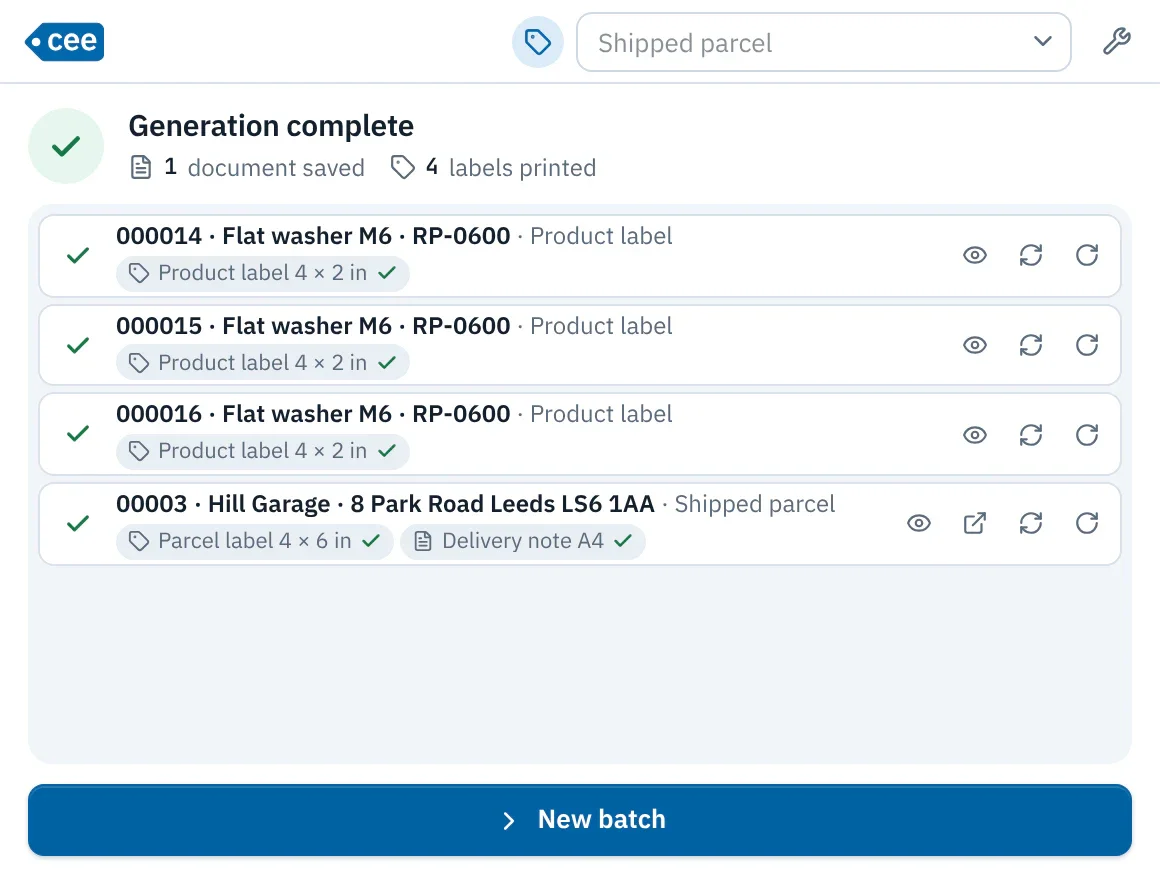
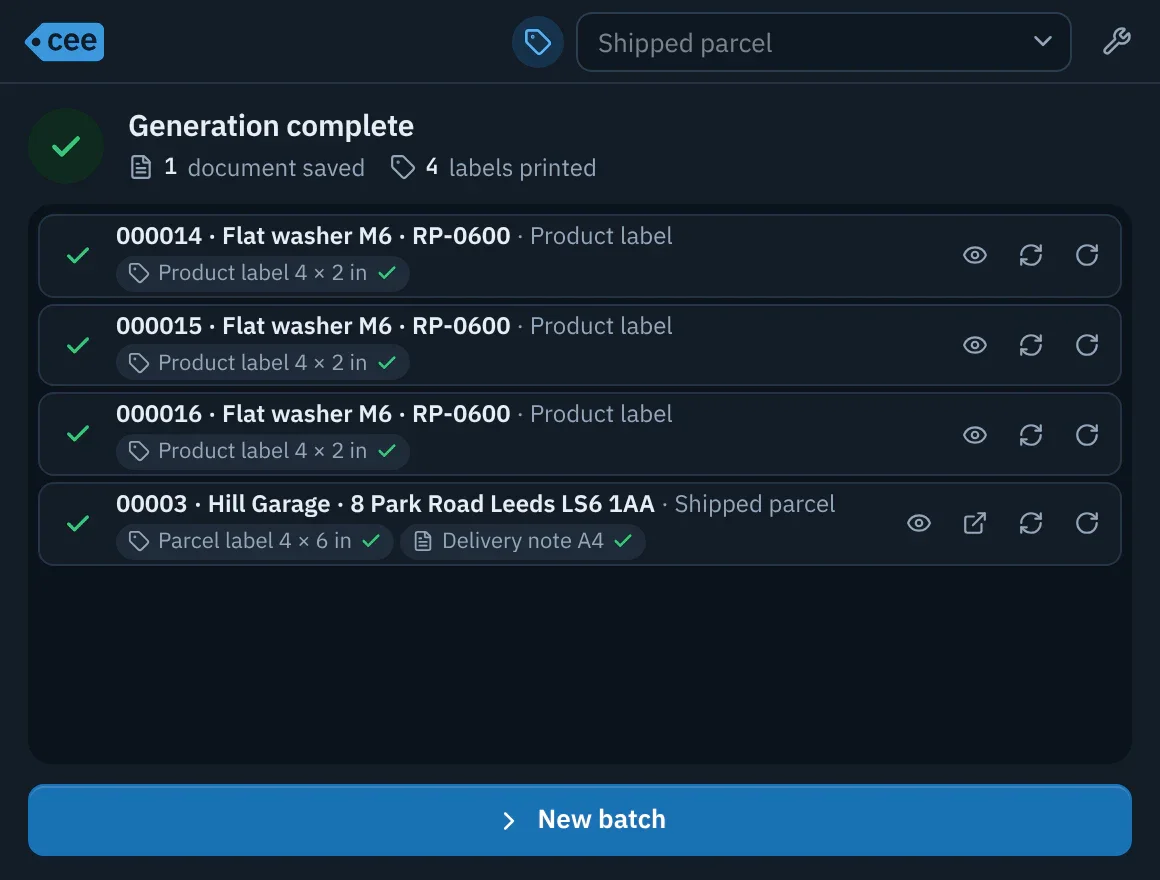
- Numbers are reserved and every document is recorded in the history in a single operation.
- Parallel compilation, then all the labels of the batch go to the spooler at once, in order.
- For each document: Preview, Open PDF (documents), Reprint and 180° Rotate (labels), without using up a number.
- With the first batch of labels, only one is printed for checking (orientation, alignment, content) before the rest of the batch; this check happens once per installation.
Document types and fields
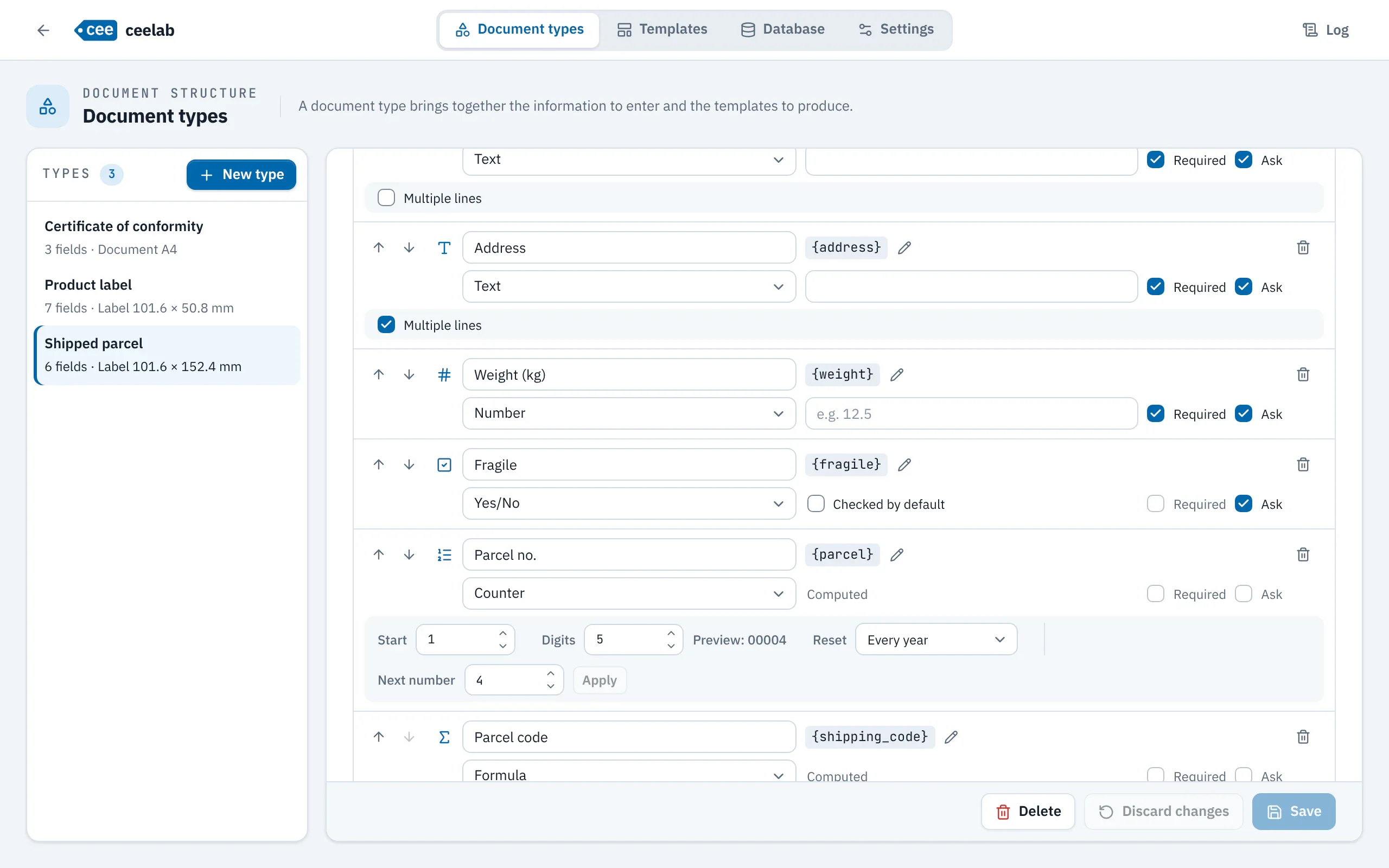
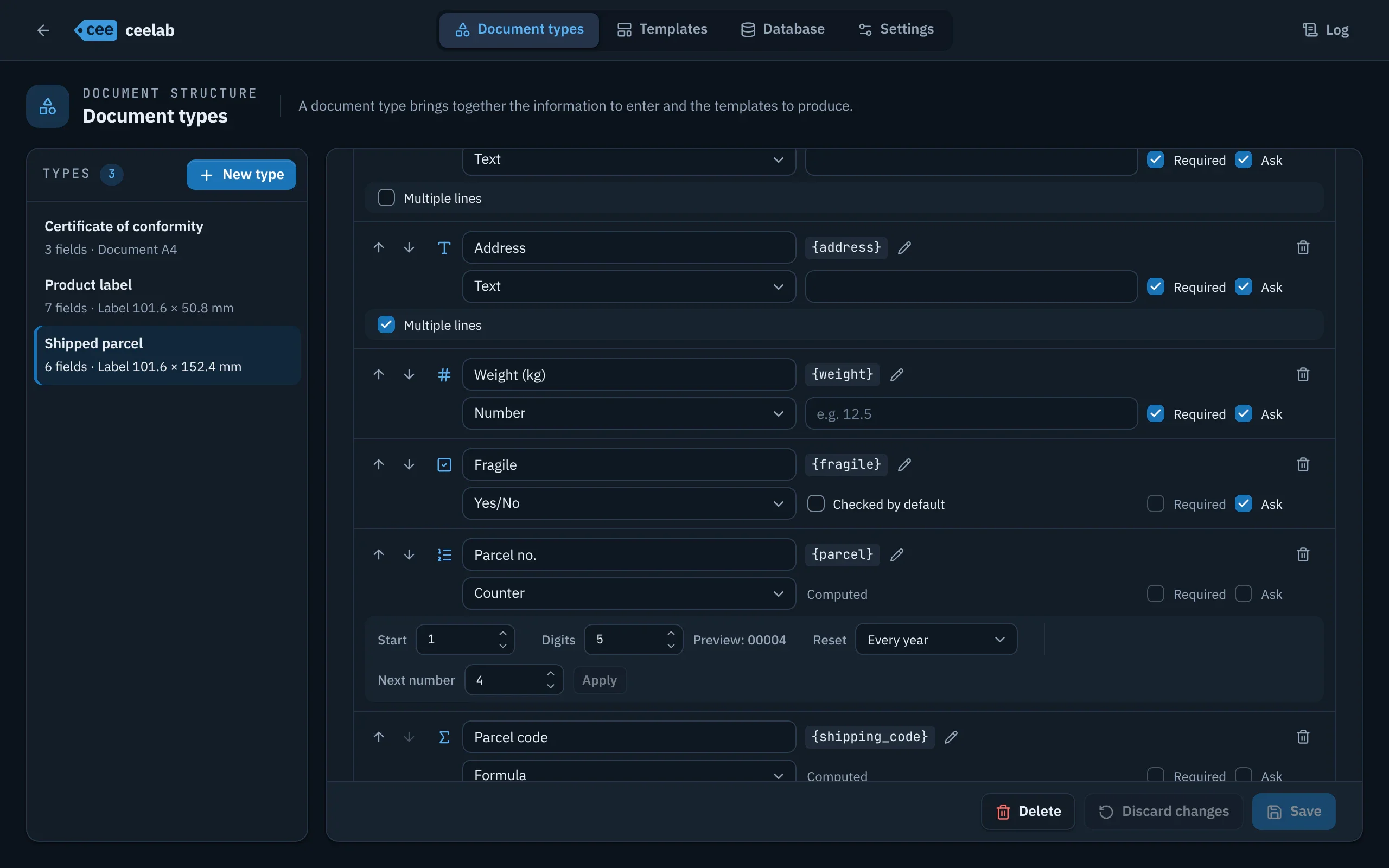
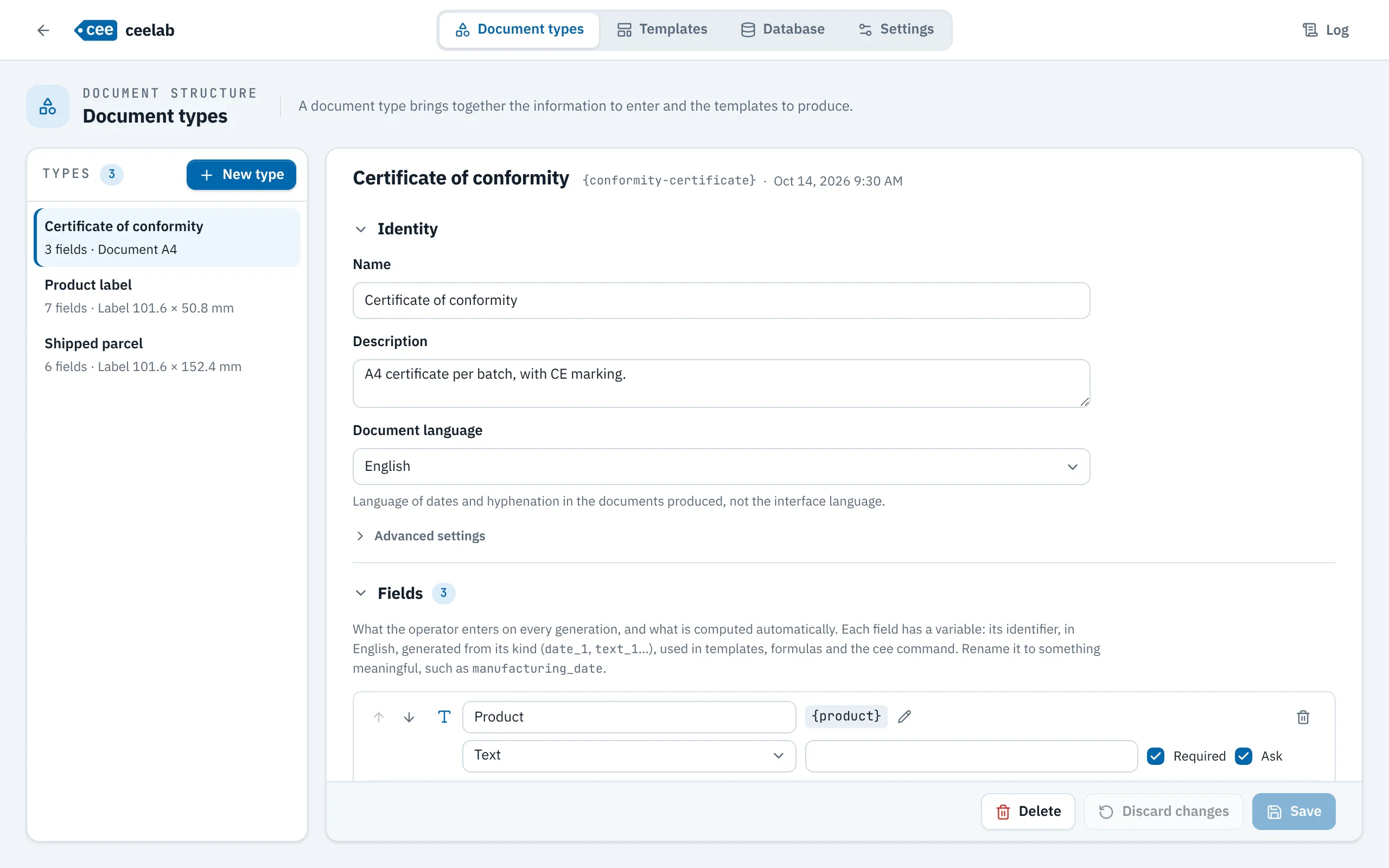
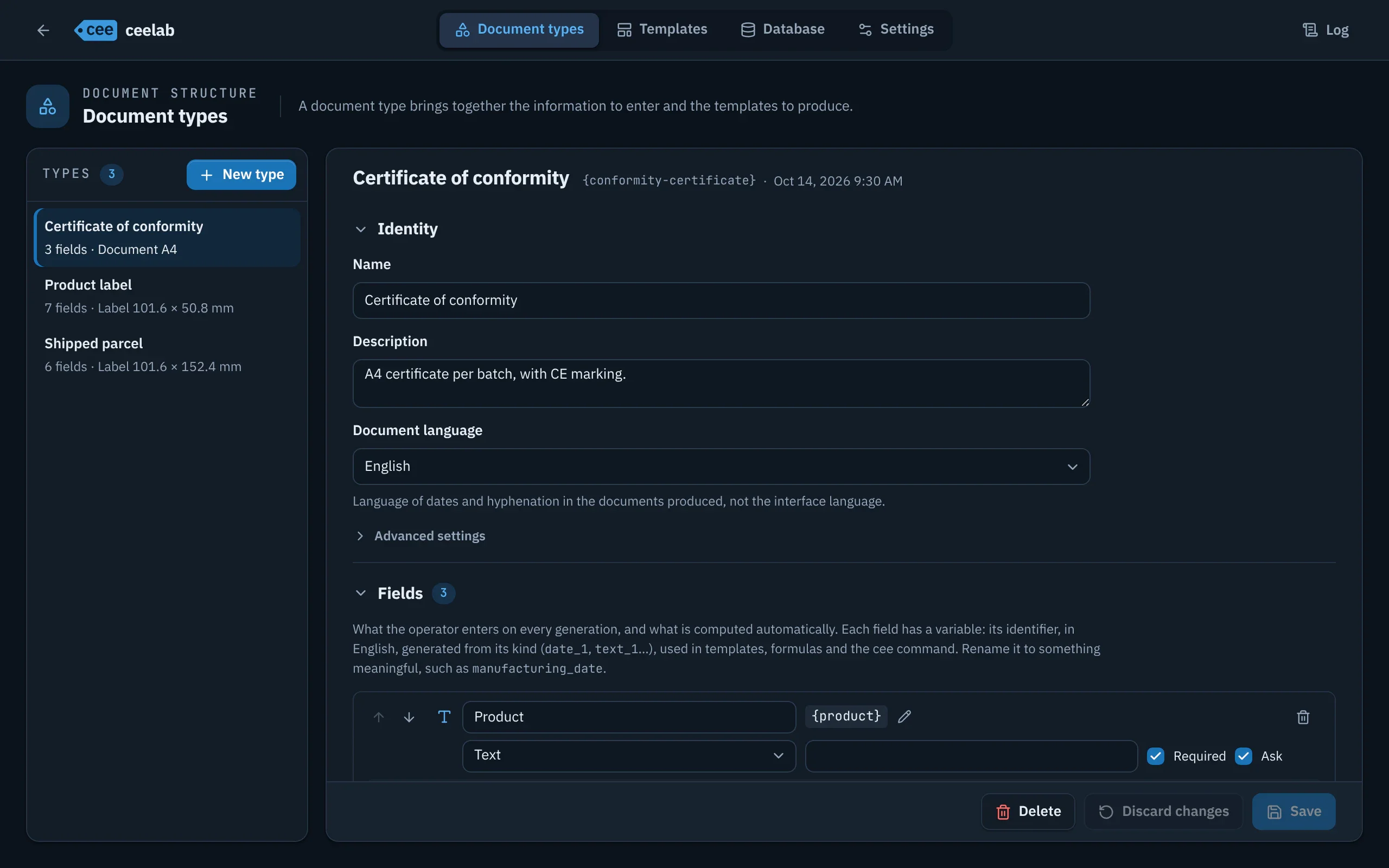
- Eight field kinds: text, number, date, choice list, Yes/No, counter, combined, formula.
- Options: required, asked of the operator or fixed value, default value.
- Each field has a variable in English, {product}; “Rename the variable” updates everything that refers to it.
- Document language set per type: dates and hyphenation in the documents produced.
- Pattern for PDF file names, with a live preview.
Counters
- Numbers reserved in blocks, in one atomic operation; the numbers of a batch are contiguous, with no ceiling.
- Reset never, every year, every month or every day, based on the document date.
- A reserved number is always traced: a failed output is regenerated with the same number.
- Example: 2026-10-0042 comes from a counter reset every month and the combined field {year}-{month}-{serial}.
Formulas and conditions
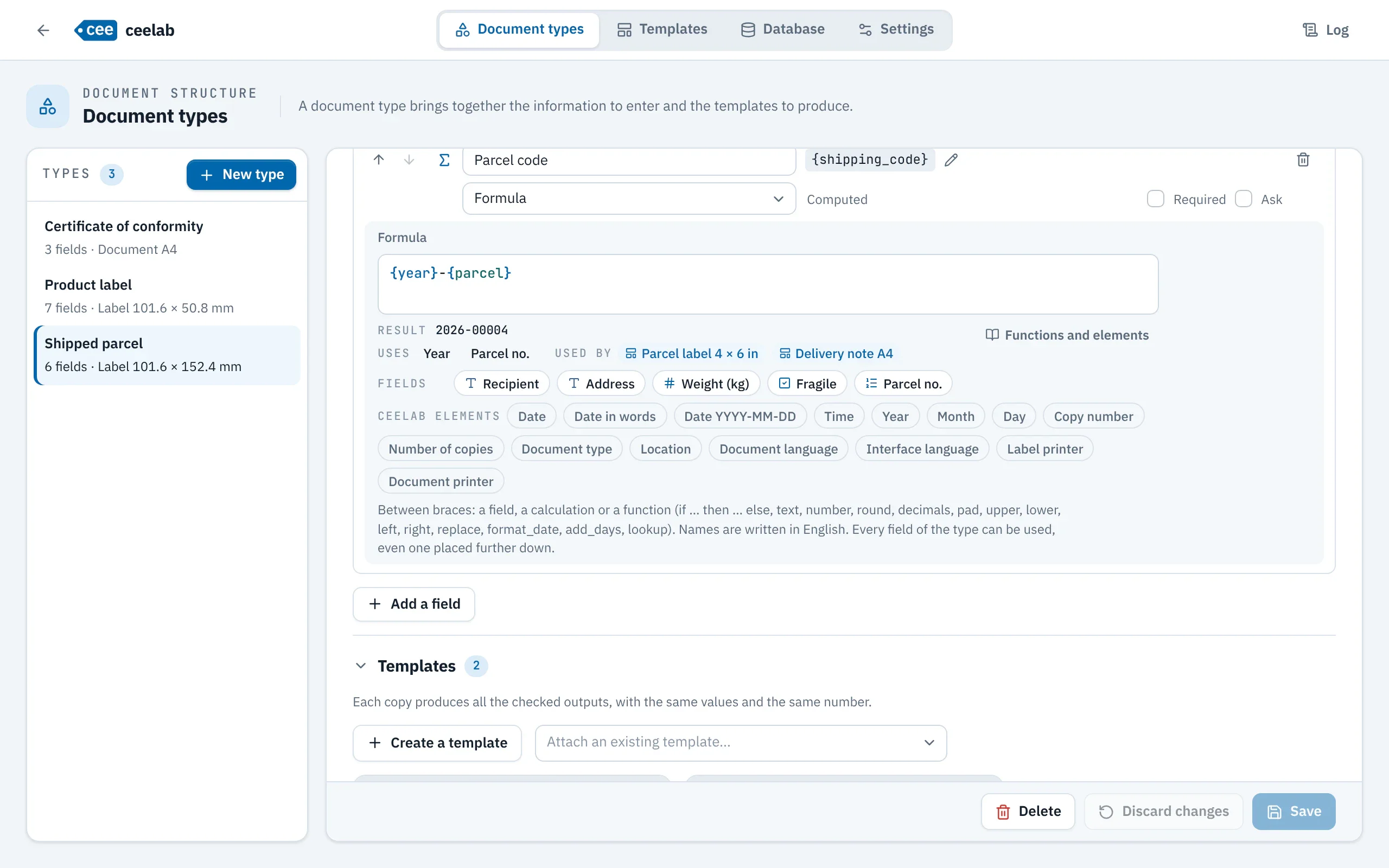
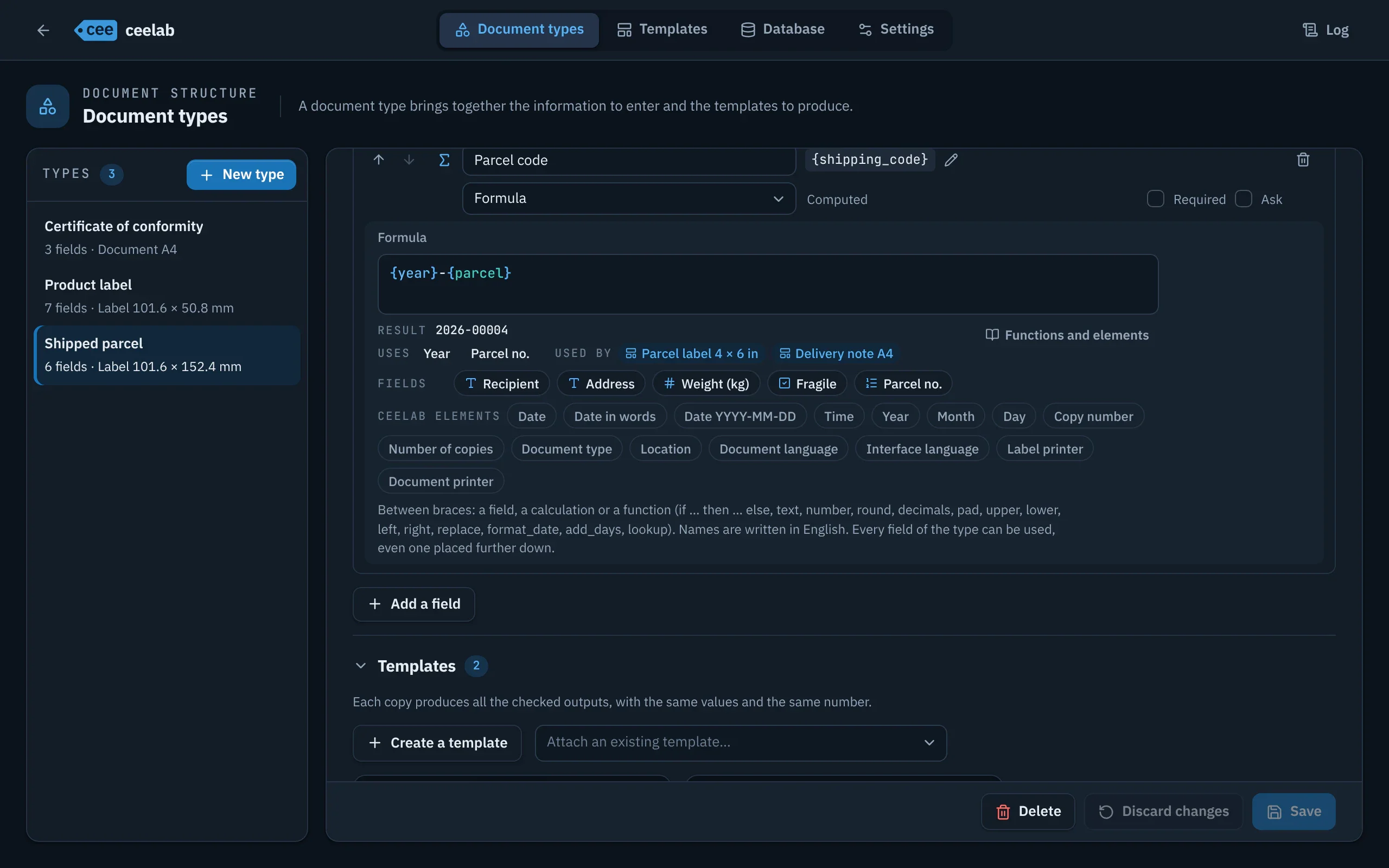
- A text with gaps {…}, each gap being an expression: {prefix}{format_date(date, "yymmdd")}-{pad(rank, 2)}.
- Functions text, number, round, decimals, pad, upper, lower, left, right, replace, format_date, add_days and lookup; operators, comparisons and if … then … else.
- Checks on saving: unknown names, incompatible types, circular calculations, with the result on the sample values.
- A formula that fails blocks generation without using up a number; results are frozen in the history.
- The same expressions can be written in template texts.
Template lab
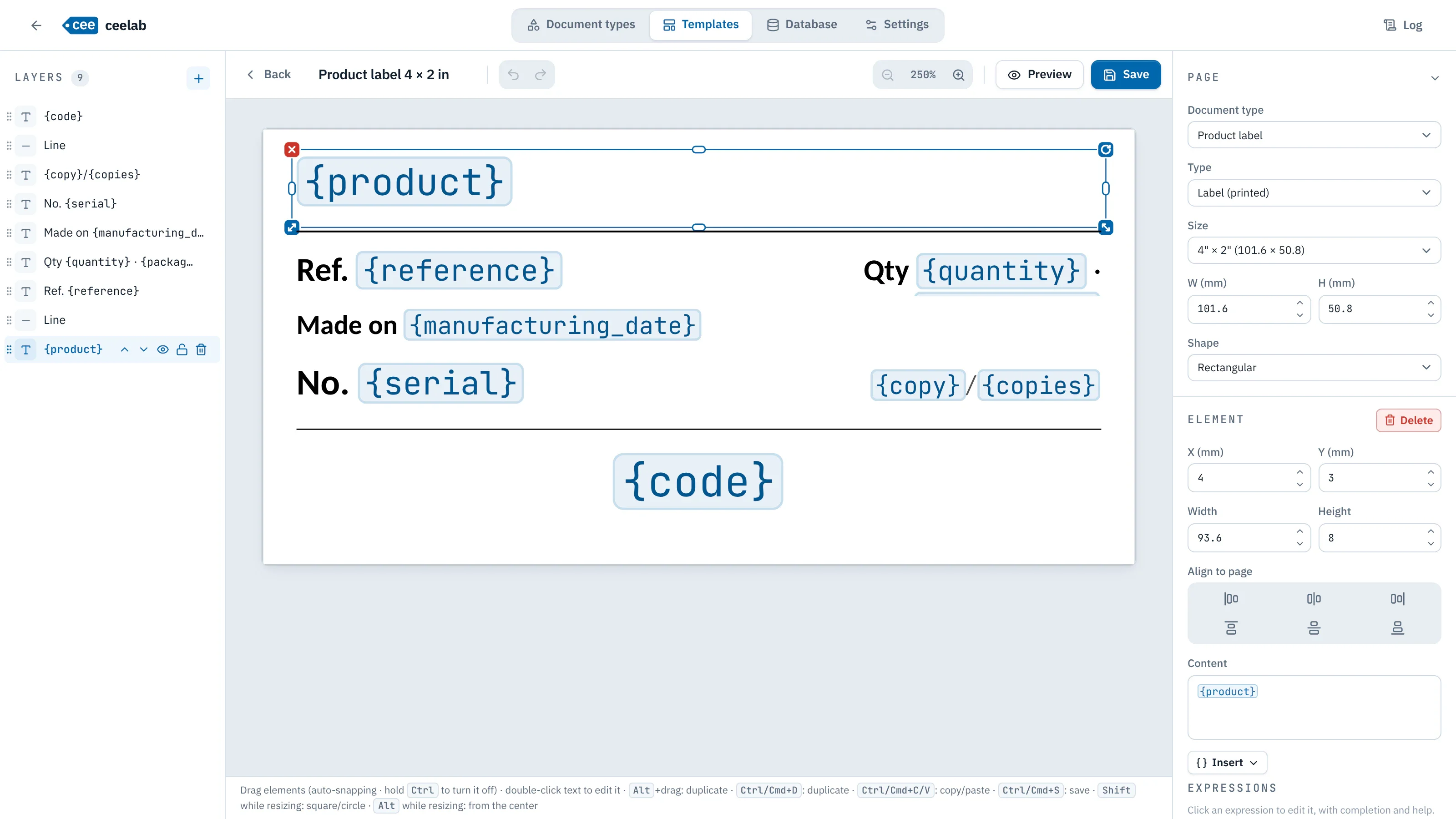
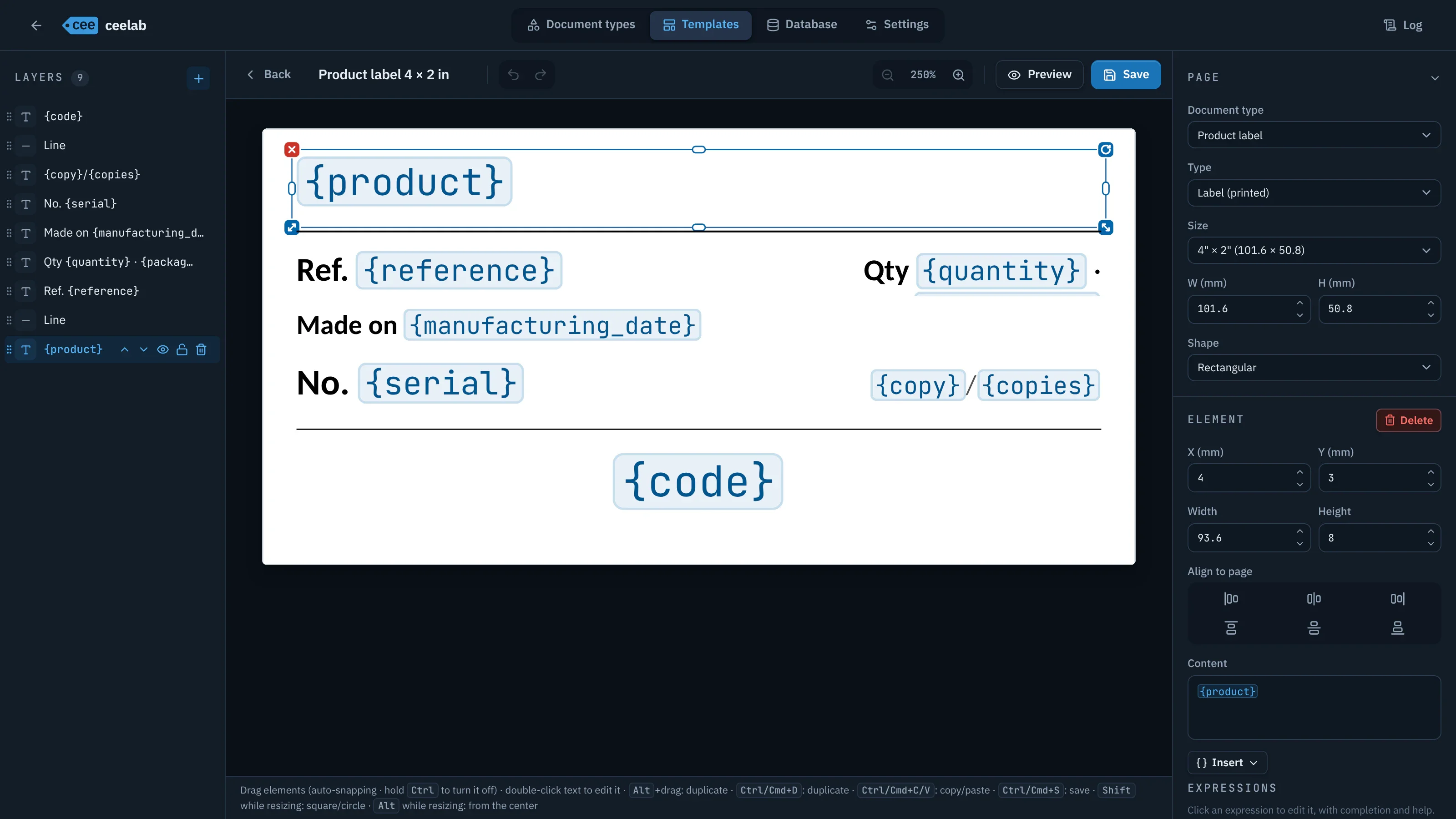
- Text elements, images, shapes, lines, CE and ATEX markings; label of any size or A4 page.
- The “Insert a variable” palette offers the fields of the type and the ceelab elements ({date}, {copy}, {location}…).
- Several templates per type; those checked “Produced on every generation” come out for each copy.
- Drafts saved automatically, .ceet import and export, import of Word and ODT documents.
Template gallery
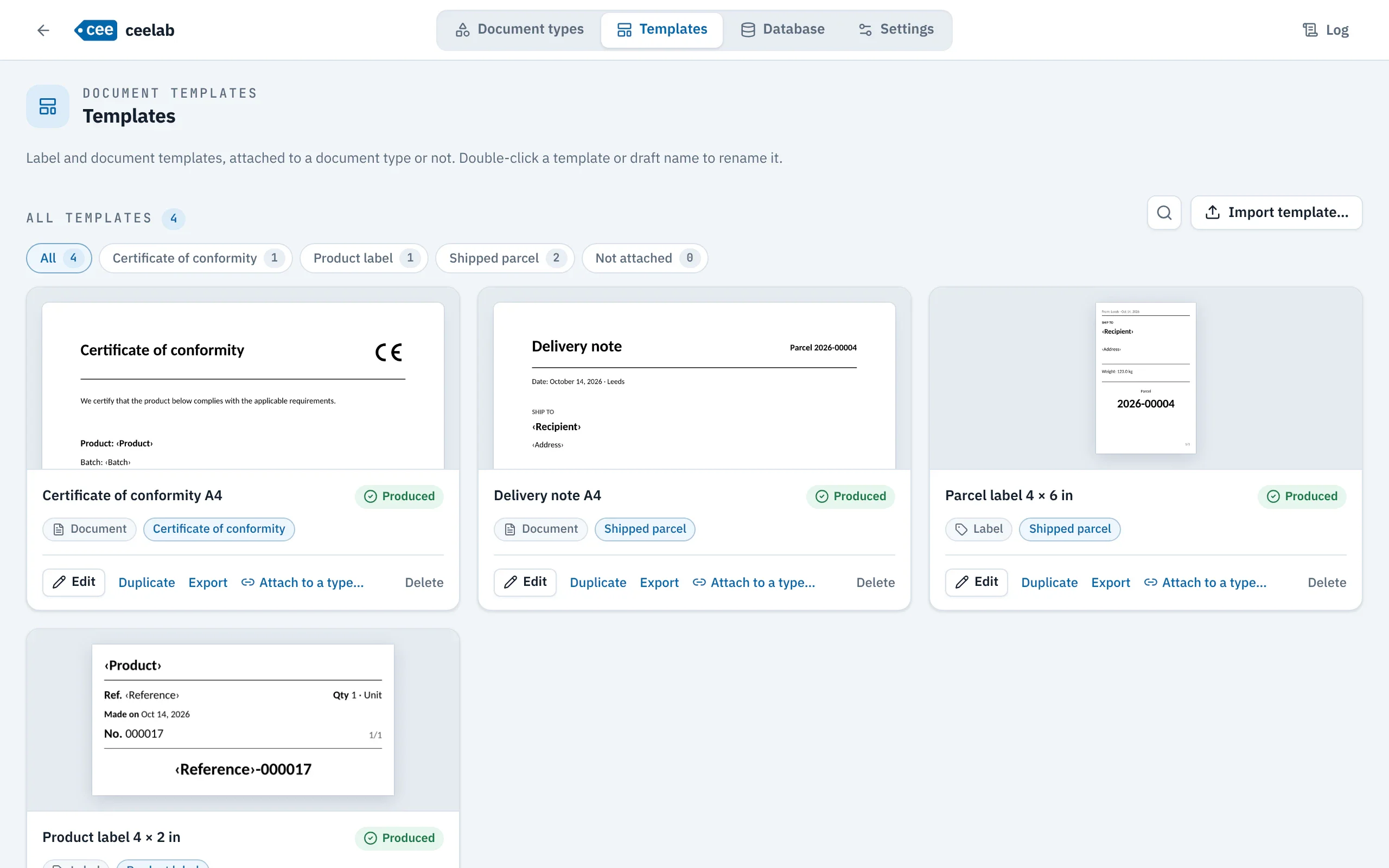
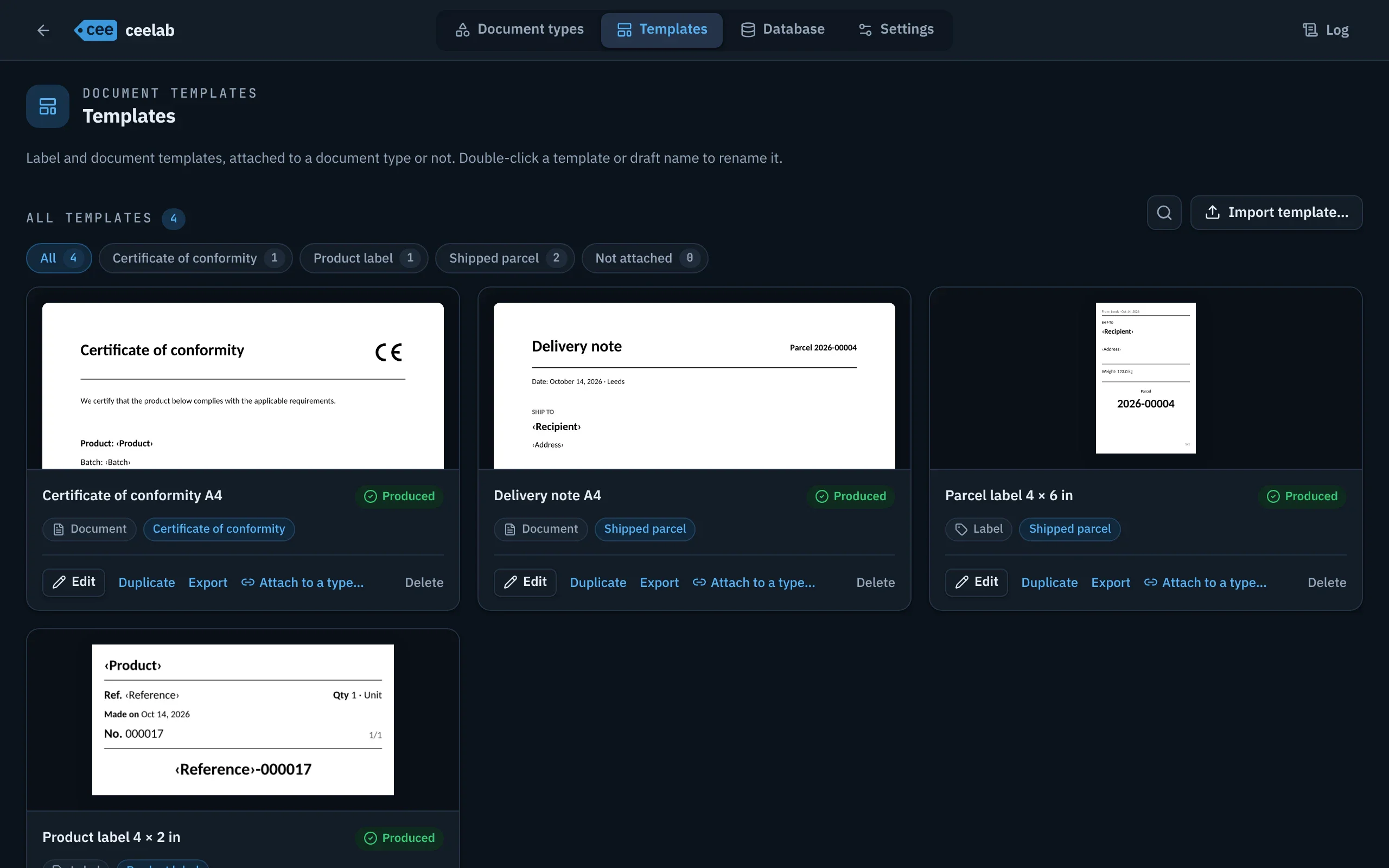
- Gallery filterable by type, “Not attached” included, with a fitted preview and sample values.
- Edit, duplicate, export, attach to a type.
History and database
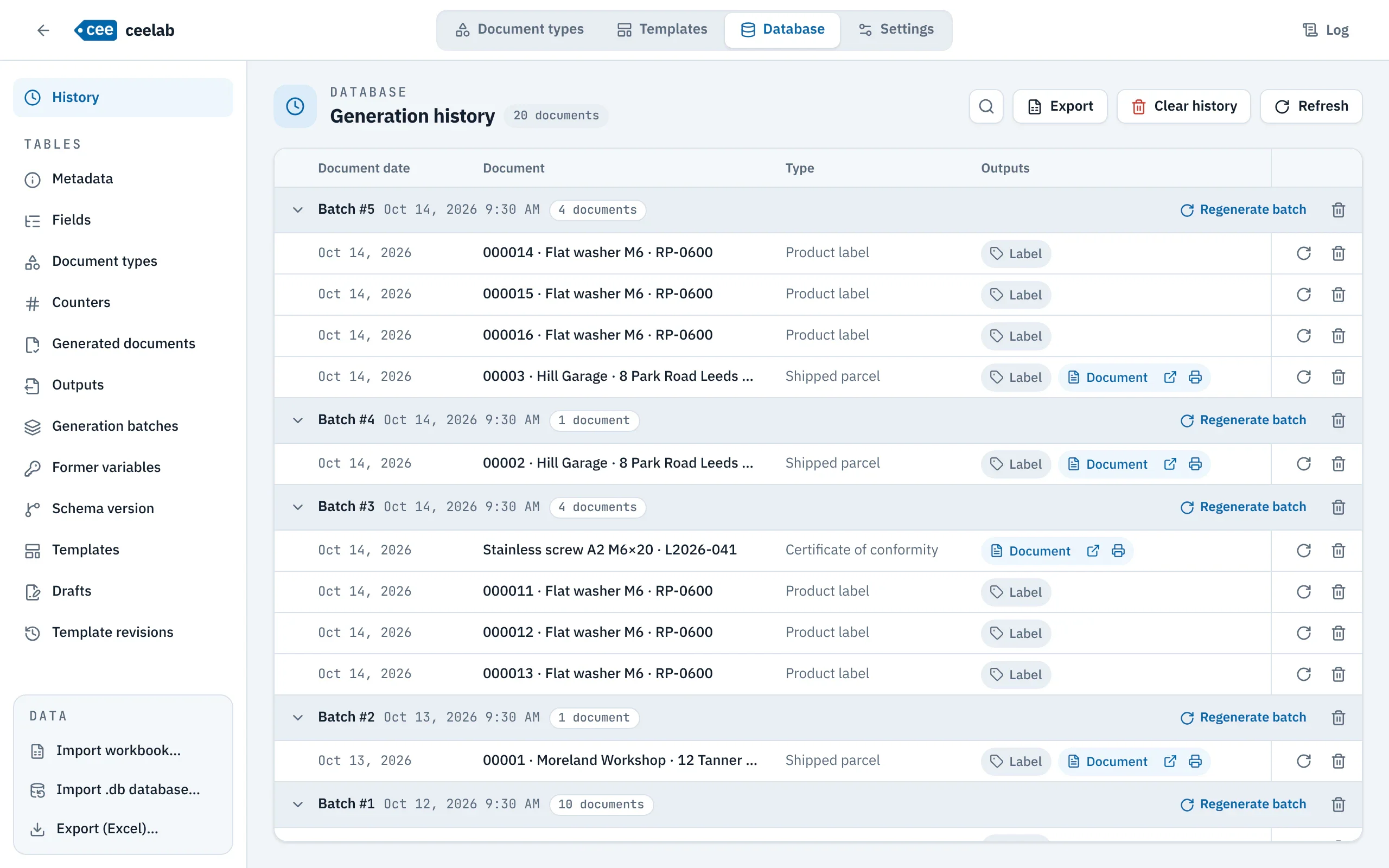
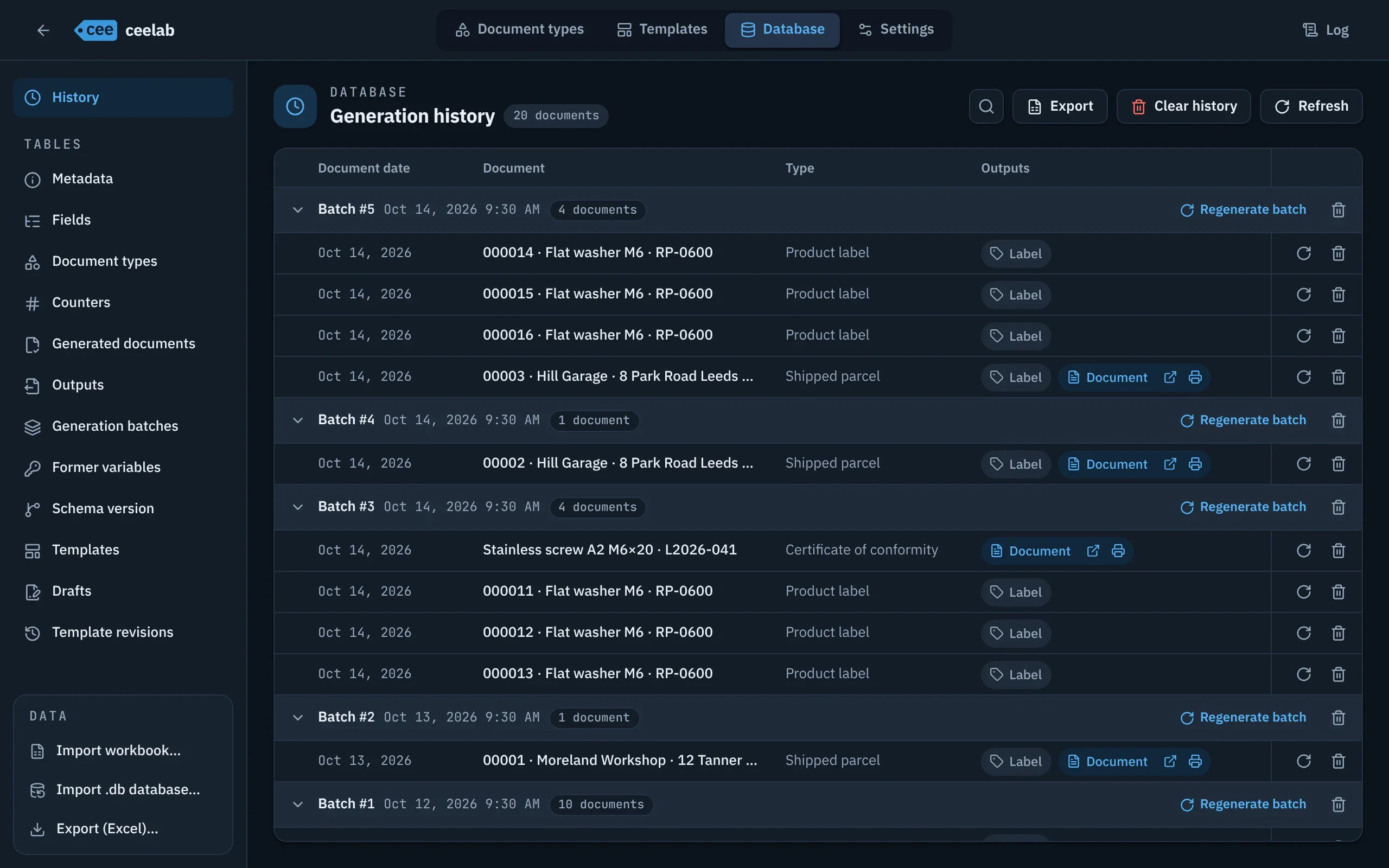
- History by batch, accent-insensitive search, status of each output.
- Identical regeneration: same values, same language, same date, same original layout, no number used up.
- Excel export of the filtered history.
- Database table explorer, Excel import and export, import of a .db database.
Settings and backup
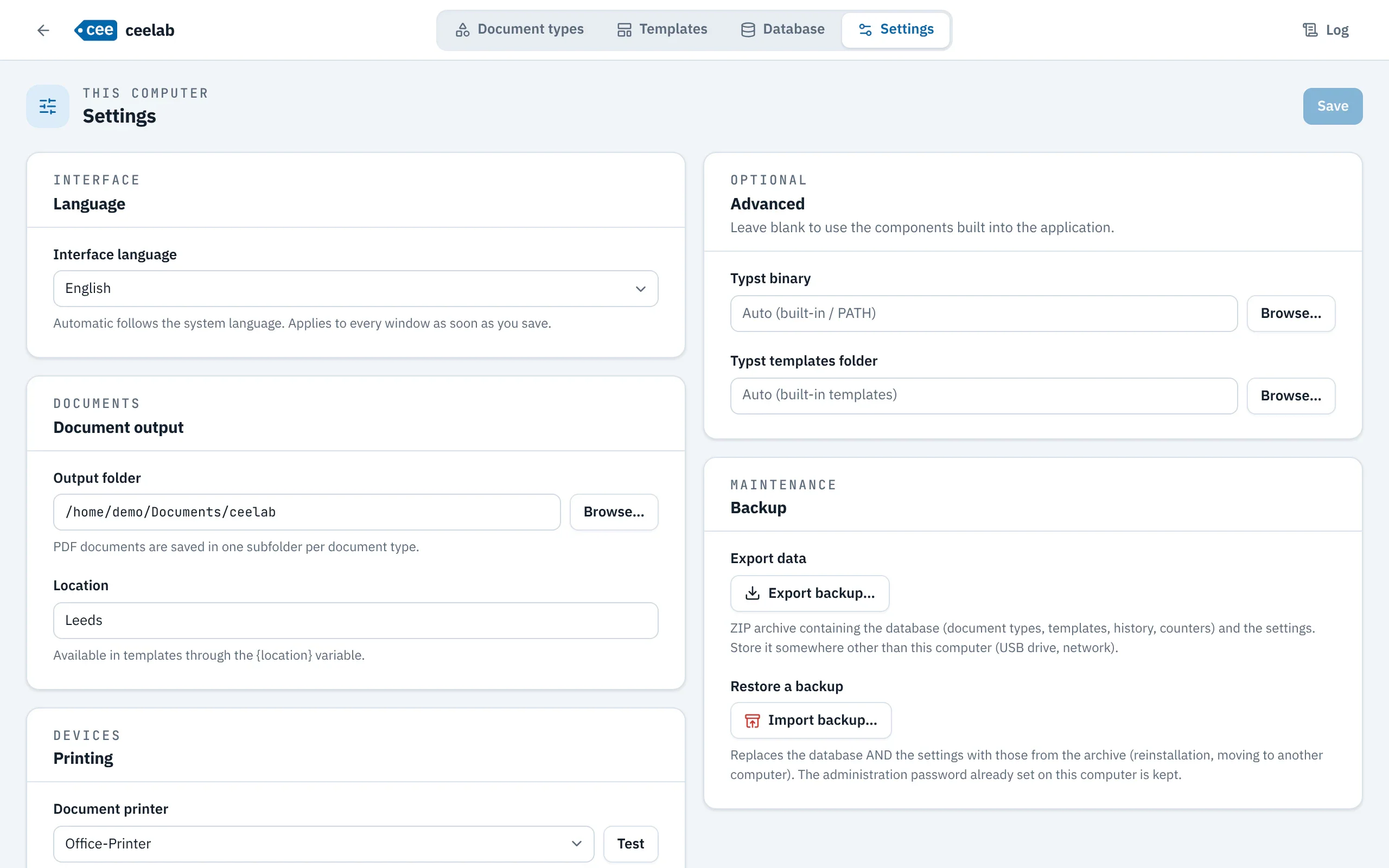
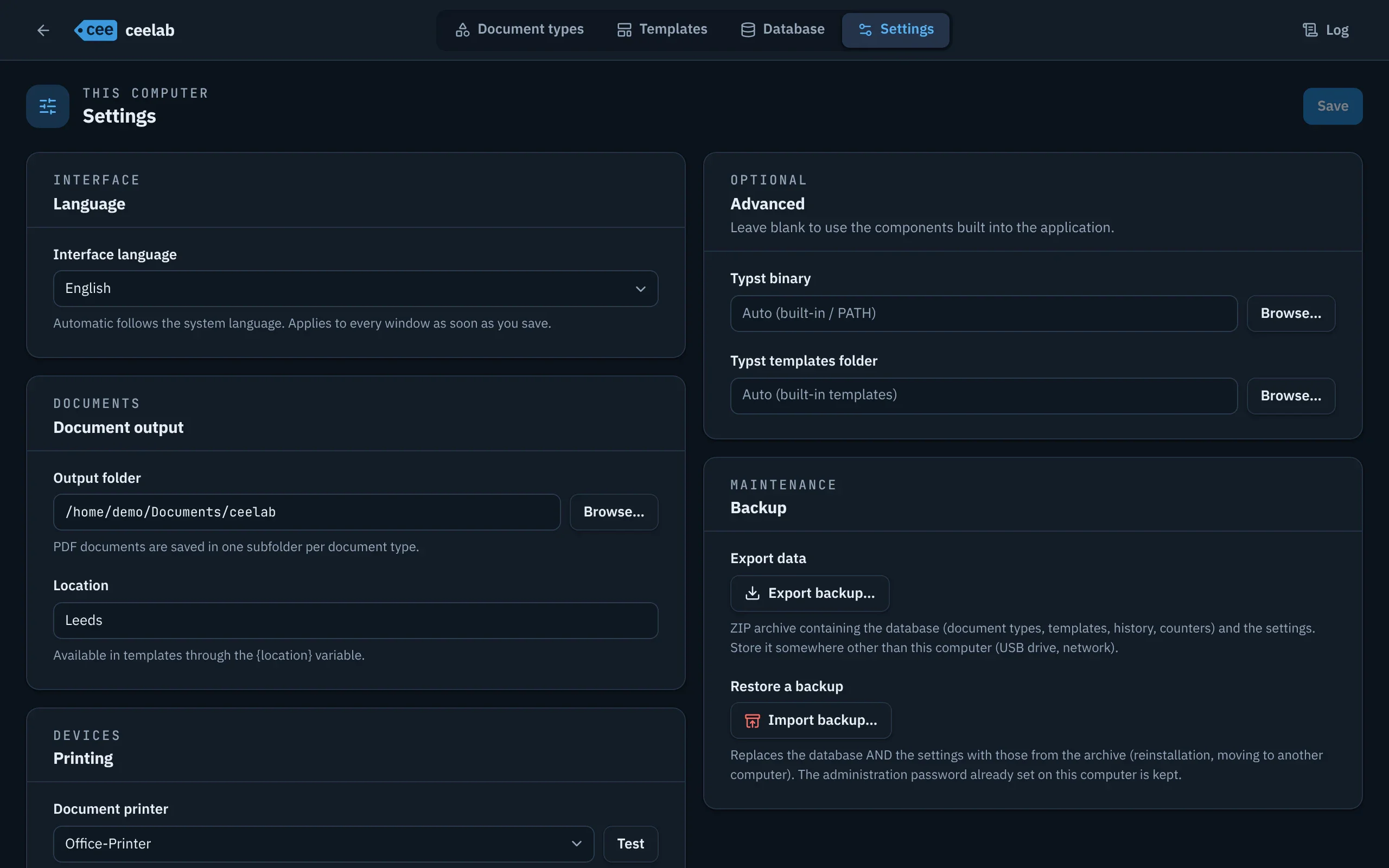
- Interface language, output folder, location ({location} variable), label and document printers.
- Backup as a ZIP archive (database and settings) and full restore.
Protected access
- Administration is protected by a password set on first launch and asked once per session.
- Five failed attempts send you back to generation mode, with a deliberate delay after each incorrect attempt.
- The password is never stored in plain text; if you forget it, it can be reset (see the guide).
The cee command line
- Commands types, describe, preview, print, history, reprint and edit.
- The -- options depend on the variables of the type: --product "Stainless screw" or --set product="Stainless screw".
- JSON response (--json) and stable exit codes, for scripts and scheduled tasks.
- Same safeguards as the application, all checked before a single number is reserved.
Platforms
- Windows (x64), macOS (Apple Silicon) and Linux (.deb package).
- The Typst rendering engine is built in: nothing else to install.
- Batch printing on Windows with built-in SumatraPDF; CUPS (lp) elsewhere.